
App
Using Score8 on Your Phone: Browser and Home Screen
How to use this website in a mobile browser, add it to your Android or iPhone home screen, and avoid unofficial app downloads.
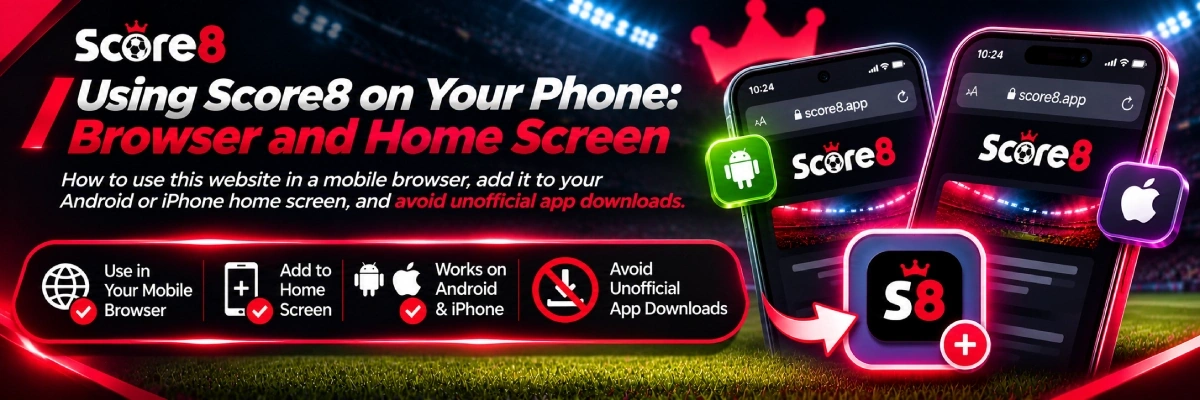
Use this website in your mobile browser
This website is designed for phones first and works in current versions of common mobile browsers, including Chrome and Safari. There is nothing to install: open the site and use the menu button at the top right to move between sections.
Add this website to your home screen
Android (Chrome)
- Open this website in Chrome.
- Tap the three-dot menu in the top-right corner.
- Tap Add to Home screen, then confirm.
iPhone and iPad (Safari)
- Open this website in Safari.
- Tap the Share button.
- Tap Add to Home Screen, then tap Add.
Menu names can vary slightly between browser versions.
Apps and other Score8 websites
This website does not provide an app, a download or a sign-up route, and it has not verified any native Score8 app or app-store listing. Score8-M is another website using the Score8 name, and this website does not currently link to it.
Stay safe on mobile
- Check the address bar to confirm which website you are on.
- Be cautious of APK files and download links shared in messages or on social media.
- Be cautious of anyone asking for your password, banking details or one-time codes.
Keep up to date
This website updates when you load it. No native app release notes or app-store listings are published on this site.